
GPU Temperature Guide — What is Normal and When to Be Concerned

Normal GPU temperatures under gaming load are 65 to 83 degrees Celsius for most modern cards. The RTX 4060 Ti 16GB runs particularly cool at around 68 degrees. The RX 9070 XT runs warmer at 80 to 85 degrees due to its 304W TDP. Above 90 degrees consistently indicates poor case airflow, dust buildup, or degraded thermal paste. Fix the airflow with a better case and re-paste with Kryonaut. Read the full guide.
Positive vs Negative Pressure Airflow — The Complete Guide

Positive pressure means more intake fans than exhaust fans. Air exits through gaps rather than entering, which means better dust control. Negative pressure means more exhaust than intake, which means slightly better heat removal. The real-world temperature difference between the two in a well-designed case is usually only 1 to 3 degrees Celsius. What matters far more is fan quality, fan placement, and case choice. The Fractal Design Torrent makes the pressure argument almost irrelevant through sheer airflow volume. Read the full guide.

How to Clean Your Gaming PC — Complete Dust and Maintenance Guide

Dust is the silent killer of PC performance. A GPU heatsink clogged with 12 months of dust can run 10 to 15 degrees hotter than a clean one, triggering thermal throttling and shortening component lifespan. The tools you need: an electric air duster, 99 percent isopropyl alcohol, and lint-free microfiber cloths. Clean every 3 to 6 months. After cleaning, re-paste with Thermal Grizzly Kryonaut if temperatures were elevated. See the full cleaning guide.

Cooling Guides

Cooling Guides Cooling is the most underserved topic in PC building. As a graphic designer I learned workstations running hot during renders produce instability and shortened component life. As a mega yacht electrical specialist I learned to think about thermal management as a systems problem. As the operator of a 55-GPU mining room in South … Read more

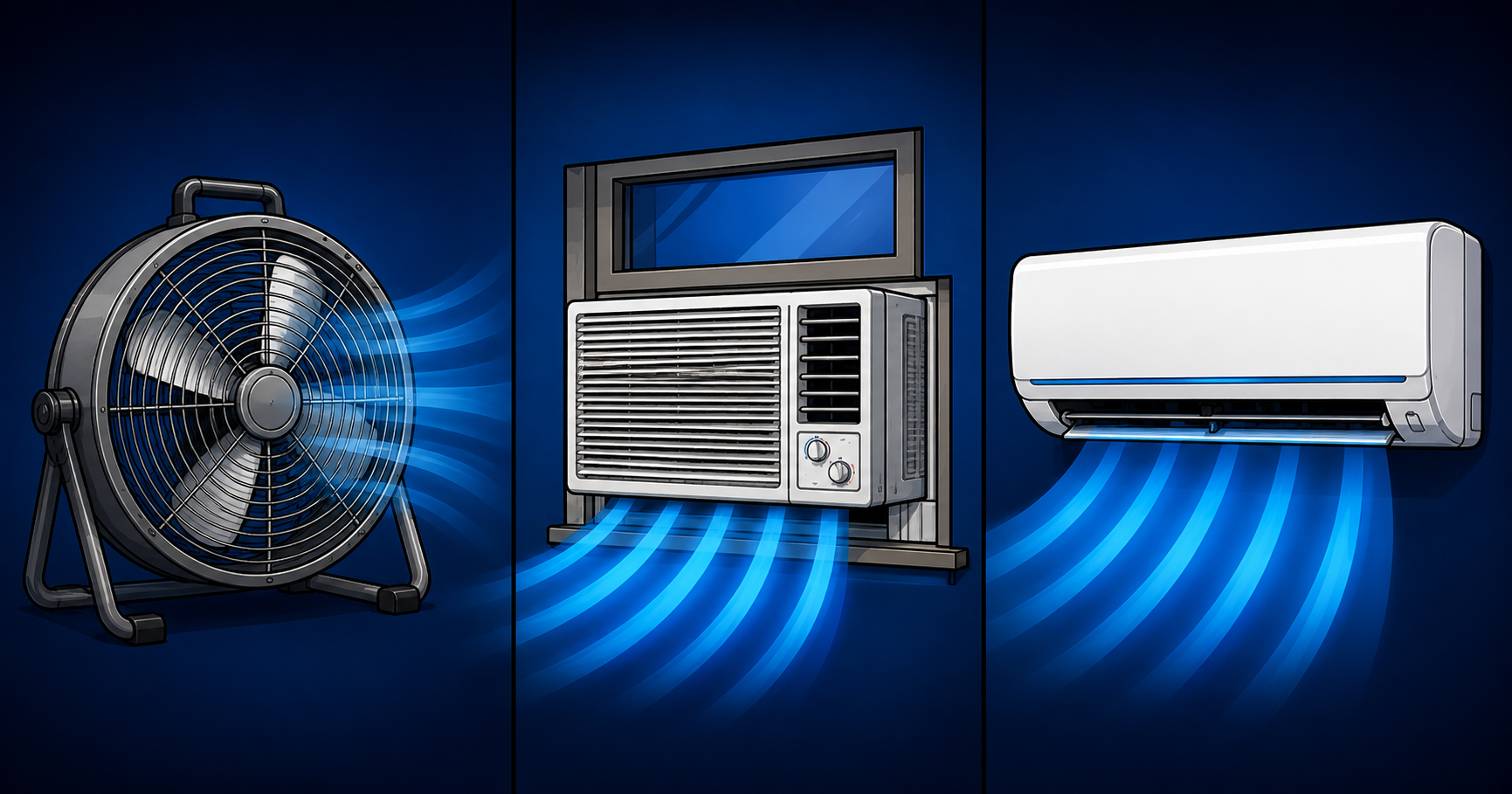
Mini Split vs Window AC vs Fans — What Actually Cools a Hot PC Room

Cartoon comparison of a floor fan, window air conditioner, and ductless mini split air conditioning unit with blue airflow streams.

The room your PC sits in matters as much as the cooler on your CPU. Every cooling component inside your case is trying to transfer heat into the surrounding air. If that air is already hot, your coolers run out of thermal headroom fast. Fans alone moved 95-degree air slightly faster. A window AC helped but cycled on and off causing GPU temperatures to follow. A ductless mini split running continuously combined with a whole-house exhaust window fan was the only setup that produced stable temperatures under sustained load. Read the full comparison.

AIO Liquid Cooler vs Air Cooler — The Complete 2026 Comparison

For most gaming builds, the air cooler is the better buy. The Deepcool AK620 at $50 performs within 2 to 5 degrees of a $75 240mm AIO under gaming loads. The Noctua NH-D15 G2 at $120 matches or beats most 240mm AIOs entirely. A 360mm AIO like the Arctic Liquid Freezer III 360 earns its place for the Ryzen 9 7950X3D under sustained all-core workloads. Air coolers have zero pump failure risk, replaceable fans, and better long-term reliability. Read the full comparison.