How Many Case Fans Do You Actually Need? A Clear Guide by Build Type
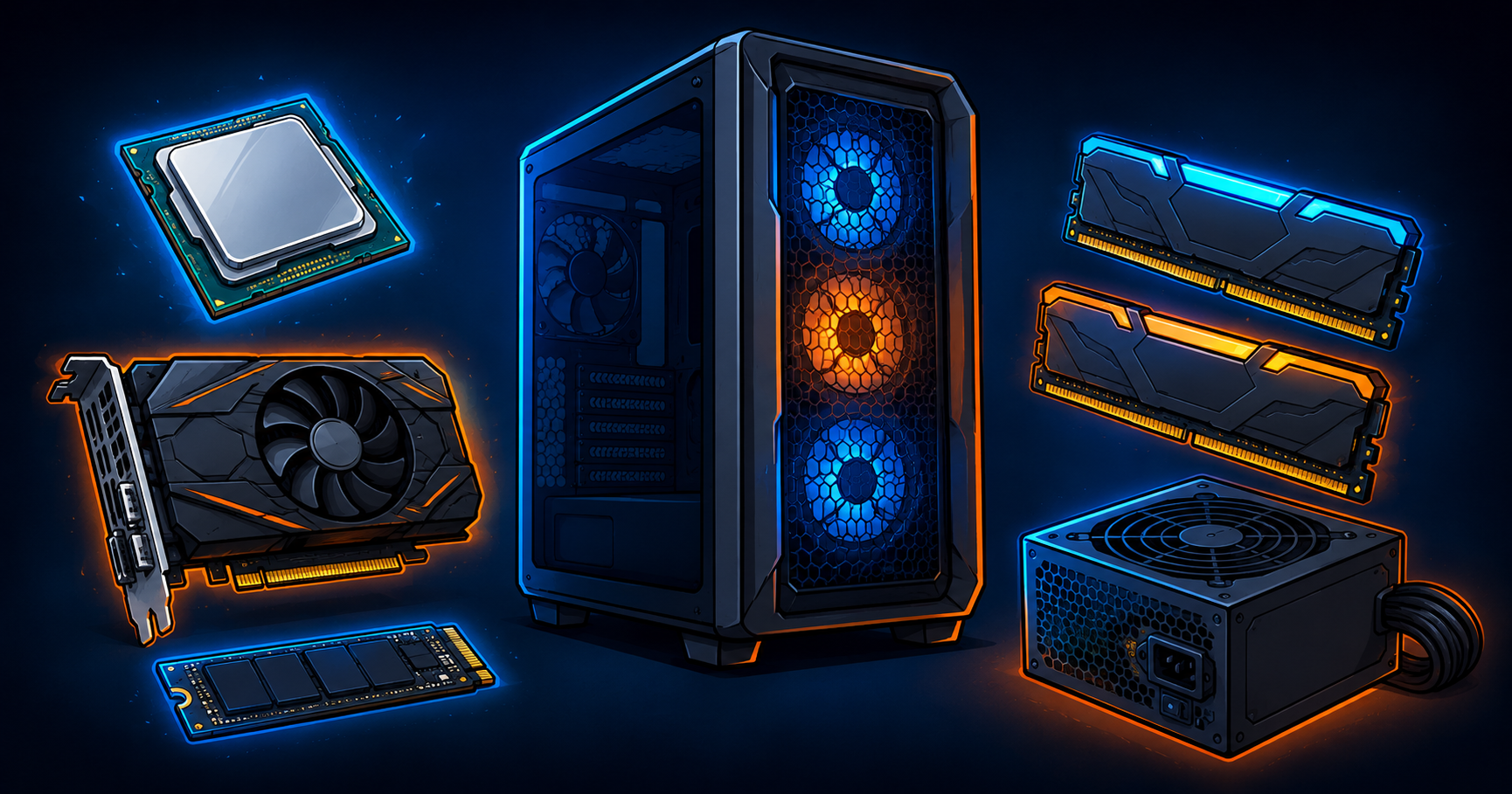
Affordable $500 gaming PC build components including CPU, GPU, RAM, SSD, power supply, and mesh-front case

How many case fans do you actually need? Most mid-tower gaming PCs need at least three: two intake at the front, one exhaust at the rear. Add more as your components produce more heat. A 5-pack of quality fans covers it with room to grow at a better price than buying individually. Clear breakdown by build type inside.
Arctic MX-7 vs Thermal Grizzly Kryonaut — Which Thermal Paste to Buy in 2026

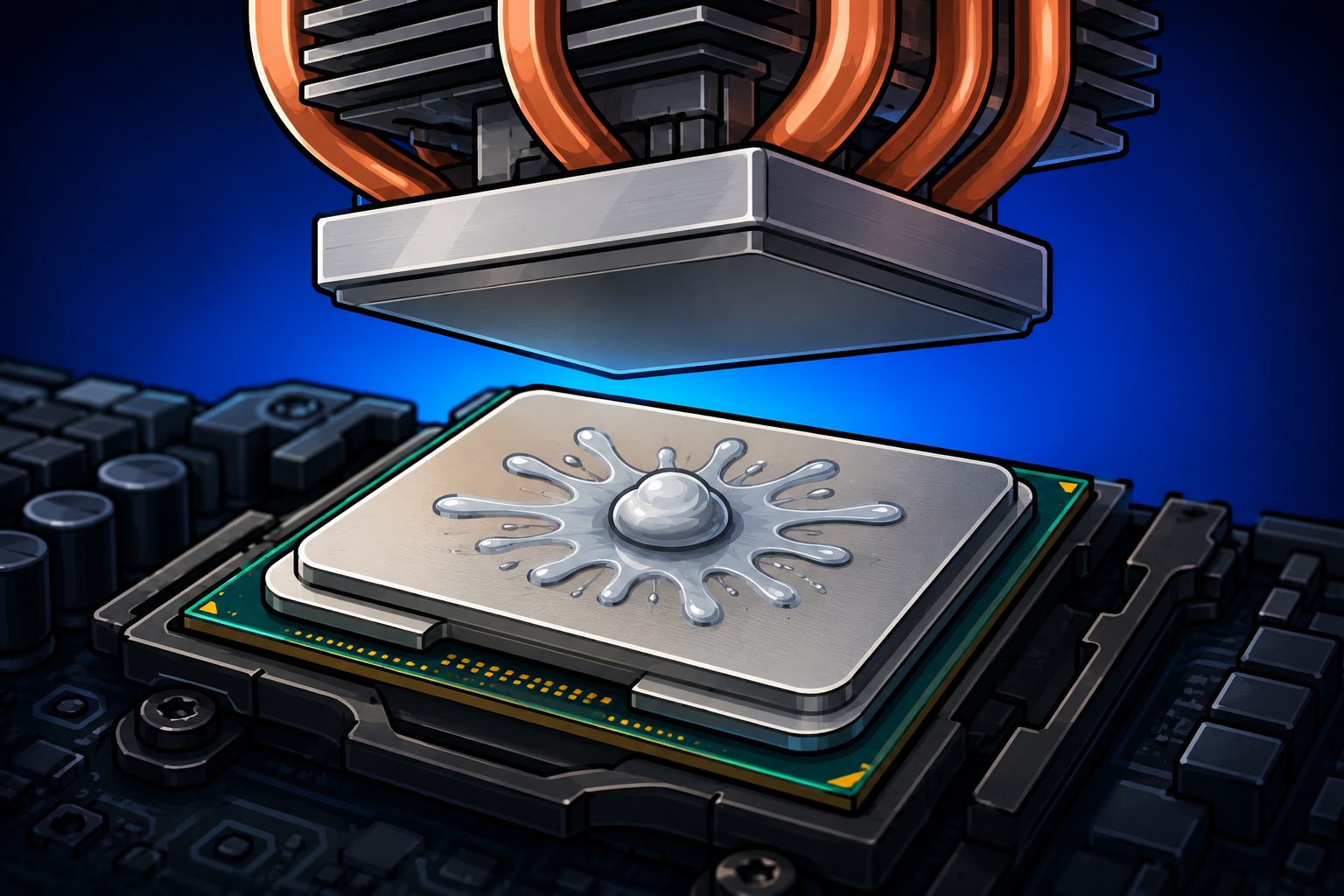
Arctic just released the MX-7 and it is one of the highest-performing pastes you can buy. Versus the longtime favorite Kryonaut the real difference is 1 to 3 degrees. The MX-7 is the better value and easier to apply. Kryonaut keeps a slight edge under extreme overclocking. Honest comparison inside.

RTX 5090 Cooling Requirements — Case, PSU, and Room Temperature

The RTX 5090 draws 575 watts and that changes everything about cooling and powering your build. You need a 1000W ATX 3.1 PSU, a high-airflow case, multiple fans, and attention to room temperature. From someone who ran 55 cards at similar combined wattage.

How to Cool a Gaming PC in a Hot Apartment With No Central AC

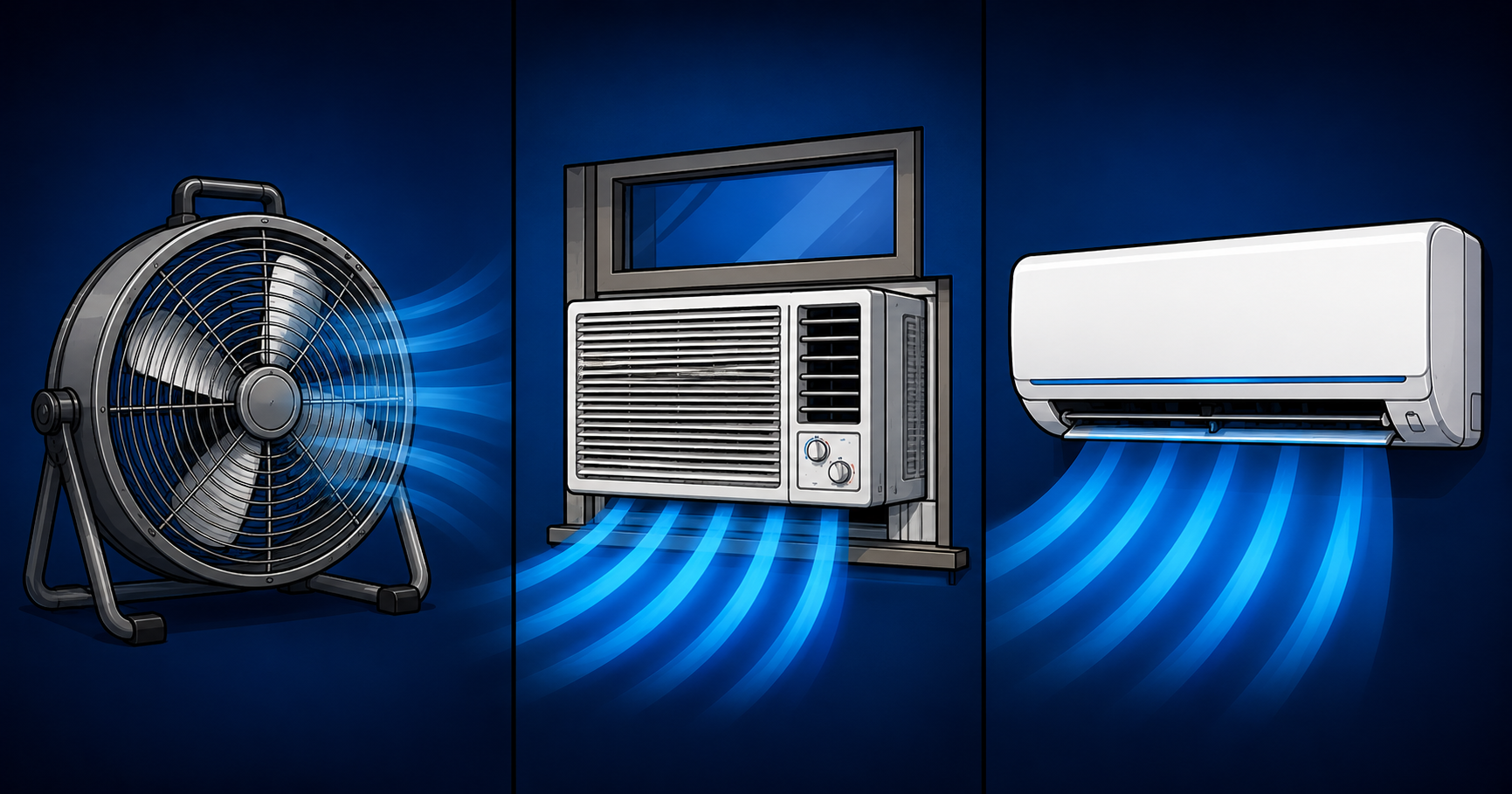
A gaming PC dumps 400 to 700 watts of heat into your room. In an apartment with no central AC that heat has nowhere to go. Fans make you feel cooler but do not actually cool a room. The real solutions are a window exhaust fan, a portable AC, or a ductless mini split. Solved from real experience cooling 55 GPUs in South Florida.

Thermalright Peerless Assassin 120 SE Review — The Best Value CPU Cooler in 2026

The Thermalright Peerless Assassin 120 SE at around $35 is the best value CPU air cooler available. Its dual-tower six heat pipe design performs within a few degrees of the Noctua NH-D15 at a third of the price. Unless you are running an extreme overclocked flagship, this is all the cooler you need.

What Running 55 GPUs in One Room Taught Me About PC Cooling

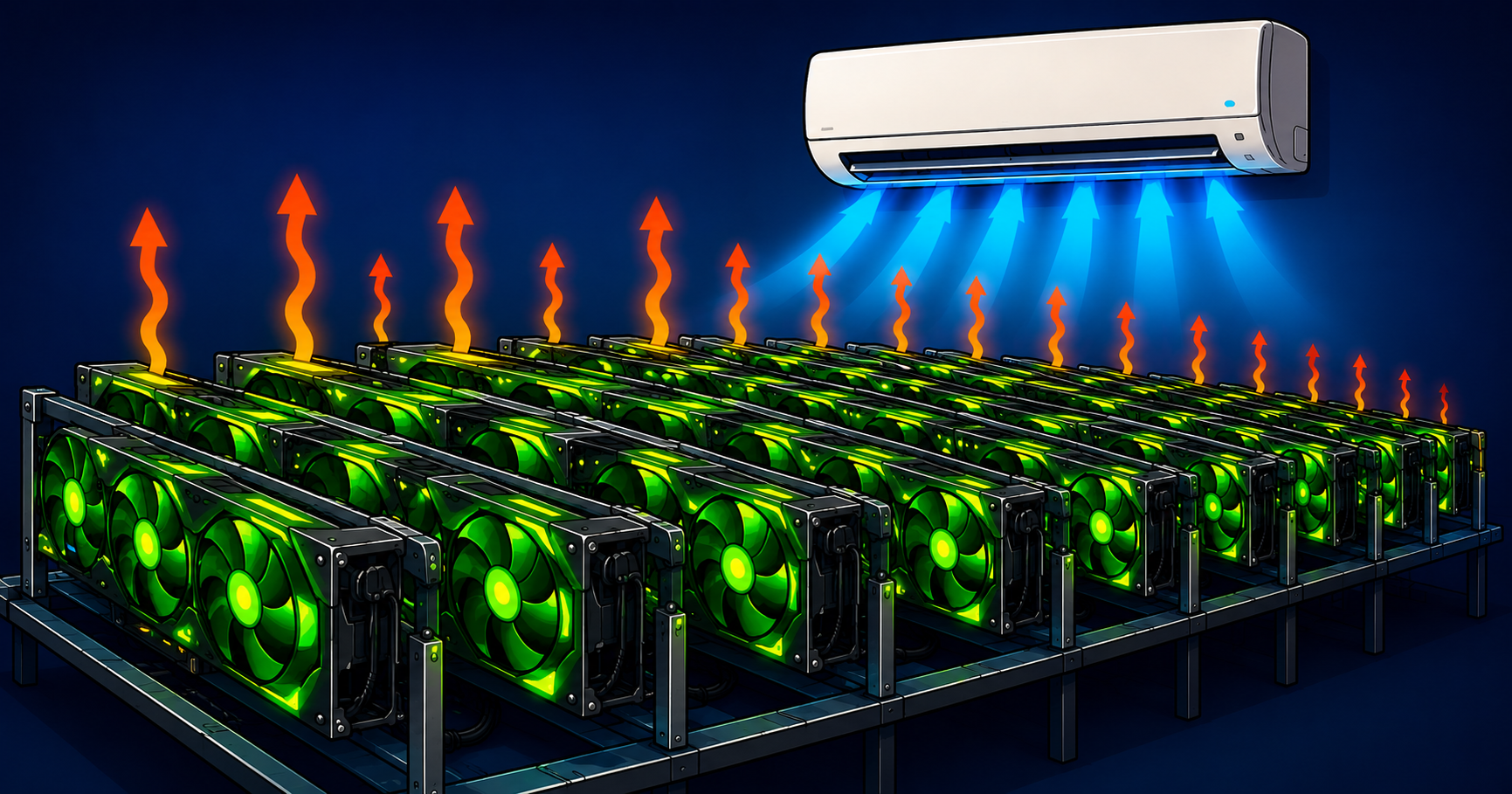
A mini split directing cold air onto a large GPU mining setup while heat escapes upward.

Running 55 RTX 3080s and RTX 3090s simultaneously in a 12×12 bedroom in South Florida generates between 12,000 and 17,000 watts of continuous heat. Standard fans accomplished almost nothing because fans move air but do not remove heat from a room. The solution was a 1.5-ton ductless mini split blowing cold air at GPU level combined with a whole-house exhaust window fan pulling hot air out at ceiling level. That complete thermal loop is the foundation of everything on this site. Read the full story.

GPU Undervolting Guide — Run Cooler and Quieter for Free

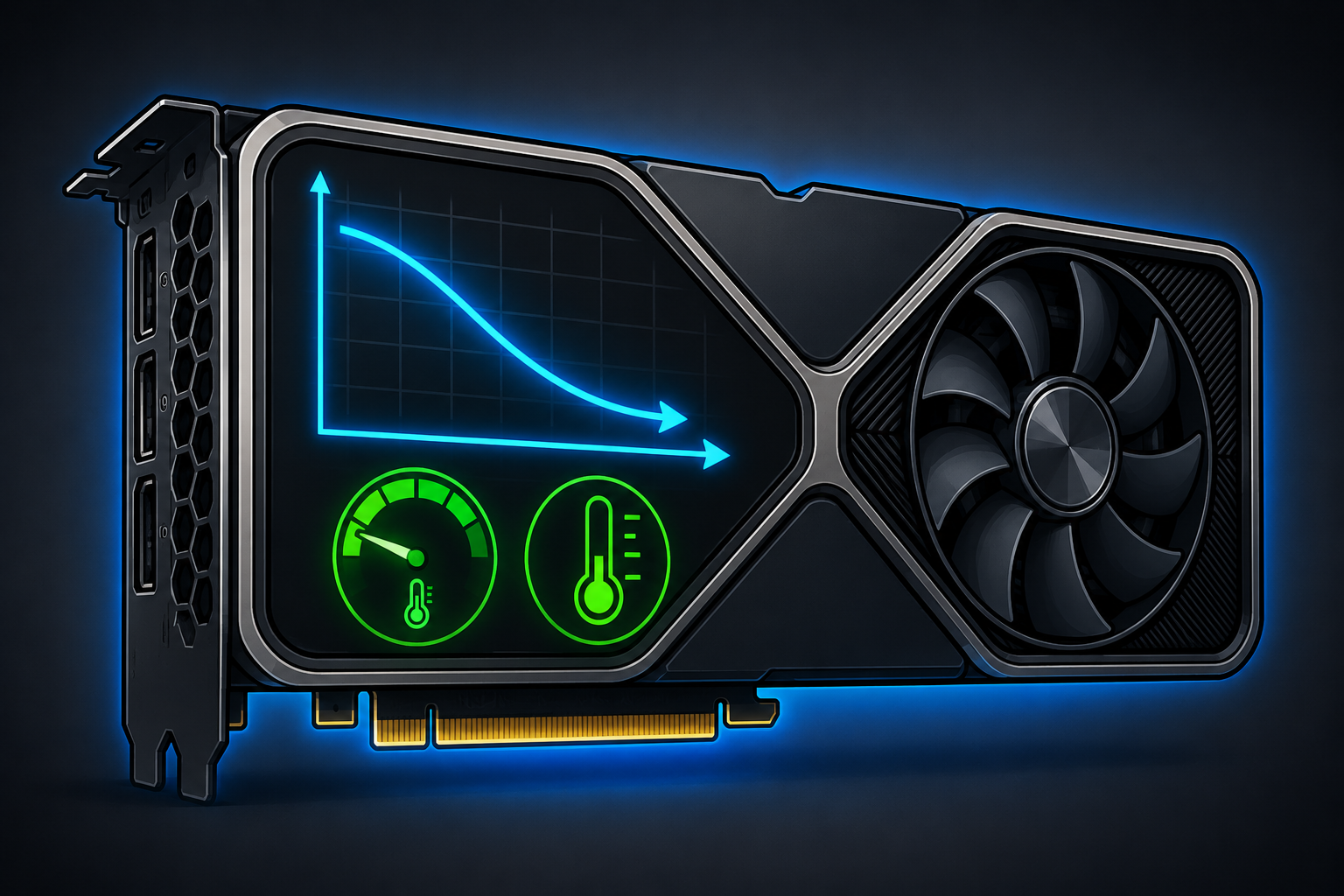
Cartoon RTX-style graphics card with a downward voltage curve graph and green temperature gauges indicating reduced temperatures from GPU undervolting.

GPU undervolting costs nothing, takes 30 minutes, and drops GPU temperatures by 10 to 20 degrees while making your card quieter and extending its lifespan. Your GPU ships at a conservative voltage to guarantee stability across all manufacturing tolerances. Undervolting finds the lowest voltage at which your specific card can stably run at its target clock speed. Less voltage means less power, which means less heat — at the same performance level. Pair undervolting with fresh Thermal Grizzly Kryonaut for drops of 20 degrees or more. Read the full guide.

How to Check if Your PC is Overheating — Tools, Temps, and Warning Signs

Signs your PC is overheating include unexpected shutdowns during demanding tasks, sudden frame rate drops mid-game, fans spinning at maximum speed constantly, and stuttering that gets worse the longer you play. Use MSI Afterburner to monitor GPU temperature in real time. If your GPU exceeds 90 degrees consistently, start with the electric air duster to clear dust, then re-paste with Thermal Grizzly Kryonaut, then consider upgrading to a better airflow case. Read the full guide.

AIO Liquid Cooler vs Air Cooler — Which Is Right for Your Gaming PC?

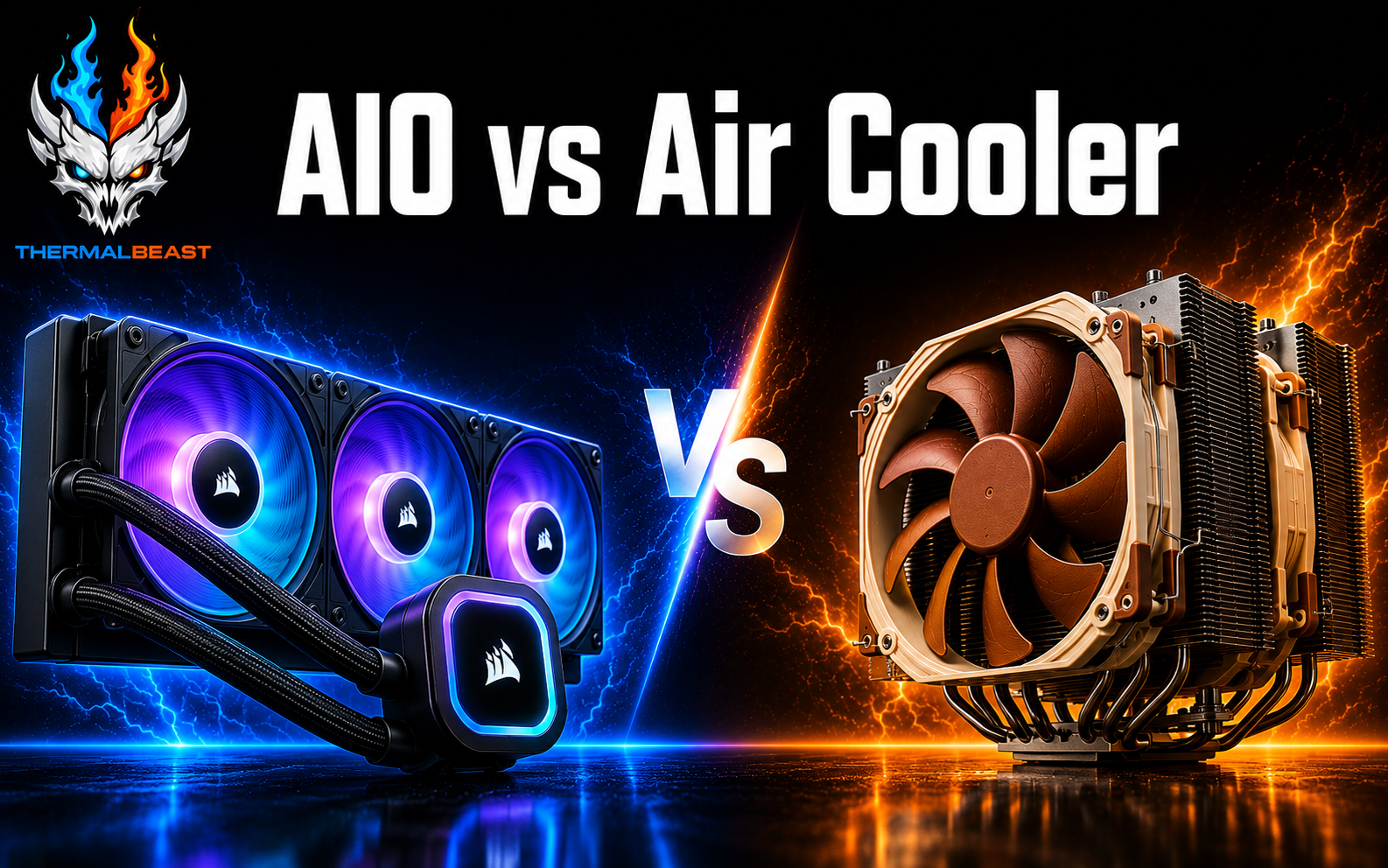
For most gaming builds, the air cooler is the better buy. The Deepcool AK620 at $50 performs within 2 to 5 degrees Celsius of a $120 240mm AIO under gaming loads on mainstream CPUs. The Noctua NH-D15 G2 at $120 matches or beats most 240mm AIOs entirely. A quality 360mm AIO like the Arctic Liquid Freezer III 360 earns its place for flagship CPUs like the Ryzen 9 7950X3D under sustained all-core loads. For gaming builds the air cooler wins on value, reliability, and long-term maintenance. Read the full comparison.

Arctic Liquid Freezer III 360 vs Deepcool LT720 — Which AIO to Buy?

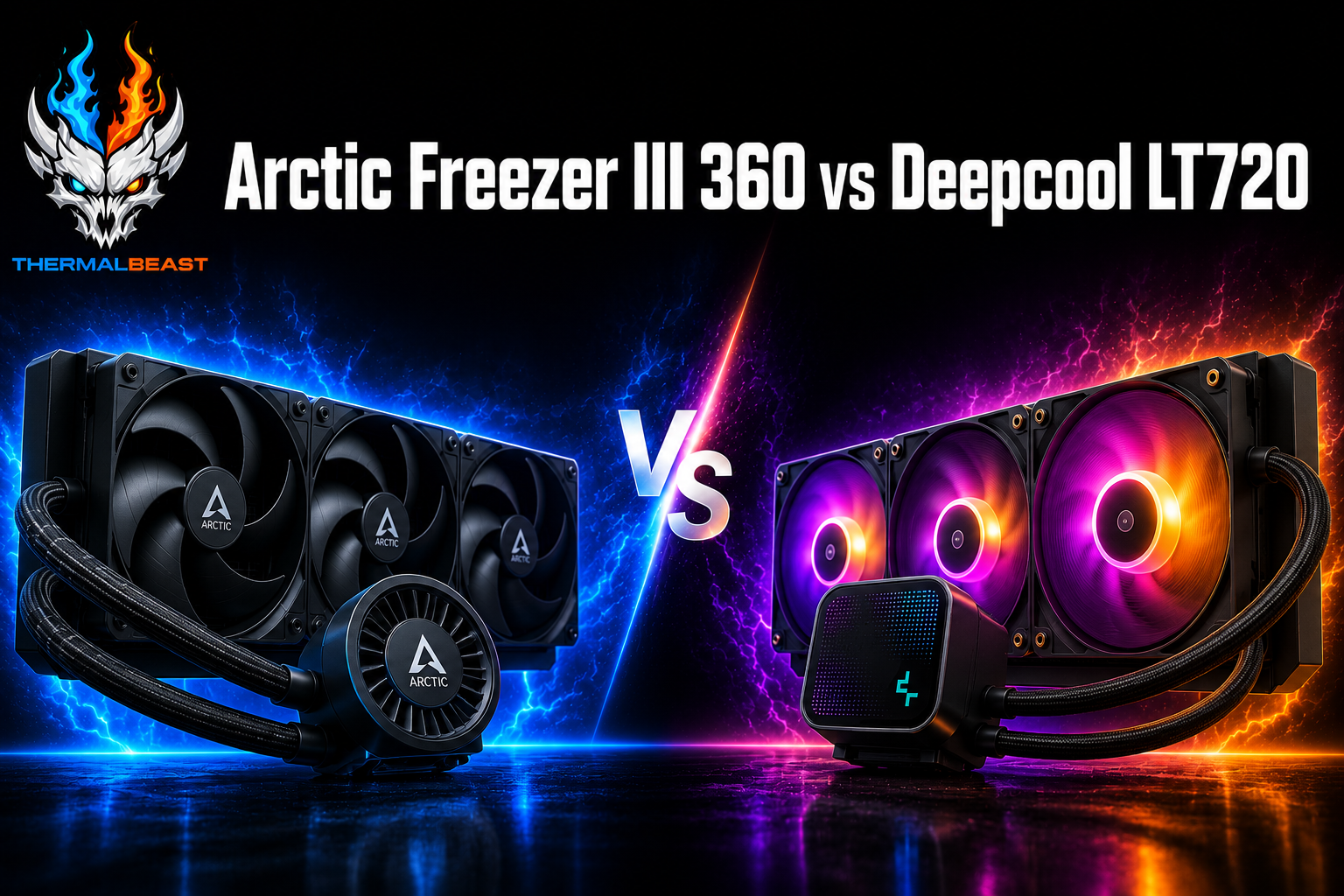
Arctic Liquid Freezer III 360 and Deepcool LT720 360mm AIO coolers angled toward each other in a side-by-side comparison

Both are top-rated 360mm AIOs. The Arctic Liquid Freezer III 360 consistently posts CPU temperatures 1 to 4 degrees lower than the Deepcool LT720 under sustained loads, costs $40 less, and carries a 6-year warranty. The LT720 wins on aesthetics with full ARGB fans and an illuminated pump head. For pure performance per dollar the Arctic is the clear winner. For a windowed build where aesthetics matter the LT720 justifies its premium. Both outperform the Deepcool AK620 by only 2 to 4 degrees under gaming loads at significantly higher cost. Read the full comparison.