
cooling-guides|gpu-cooling
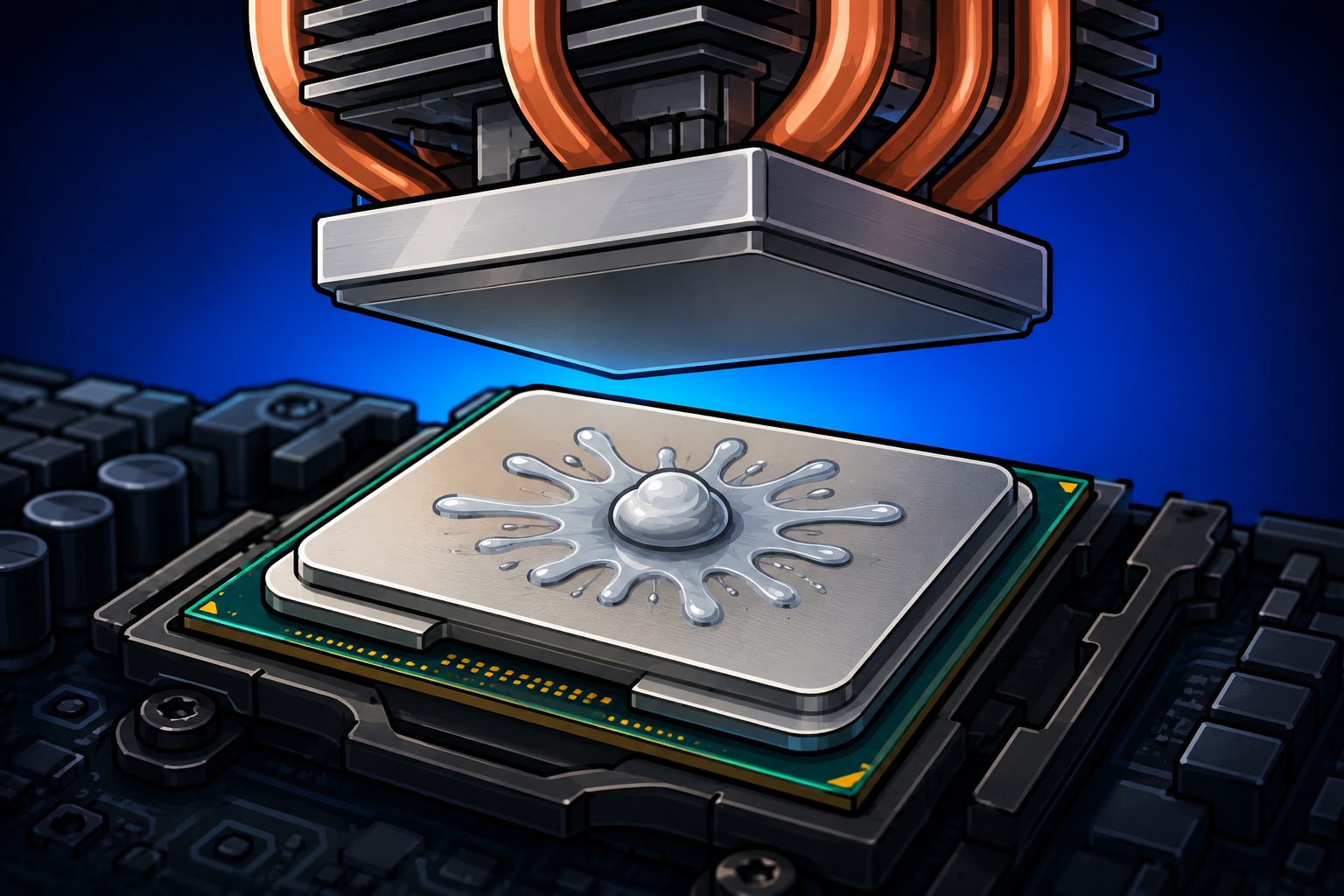
RTX 5090 Cooling Requirements — Case, PSU, and Room Temperature
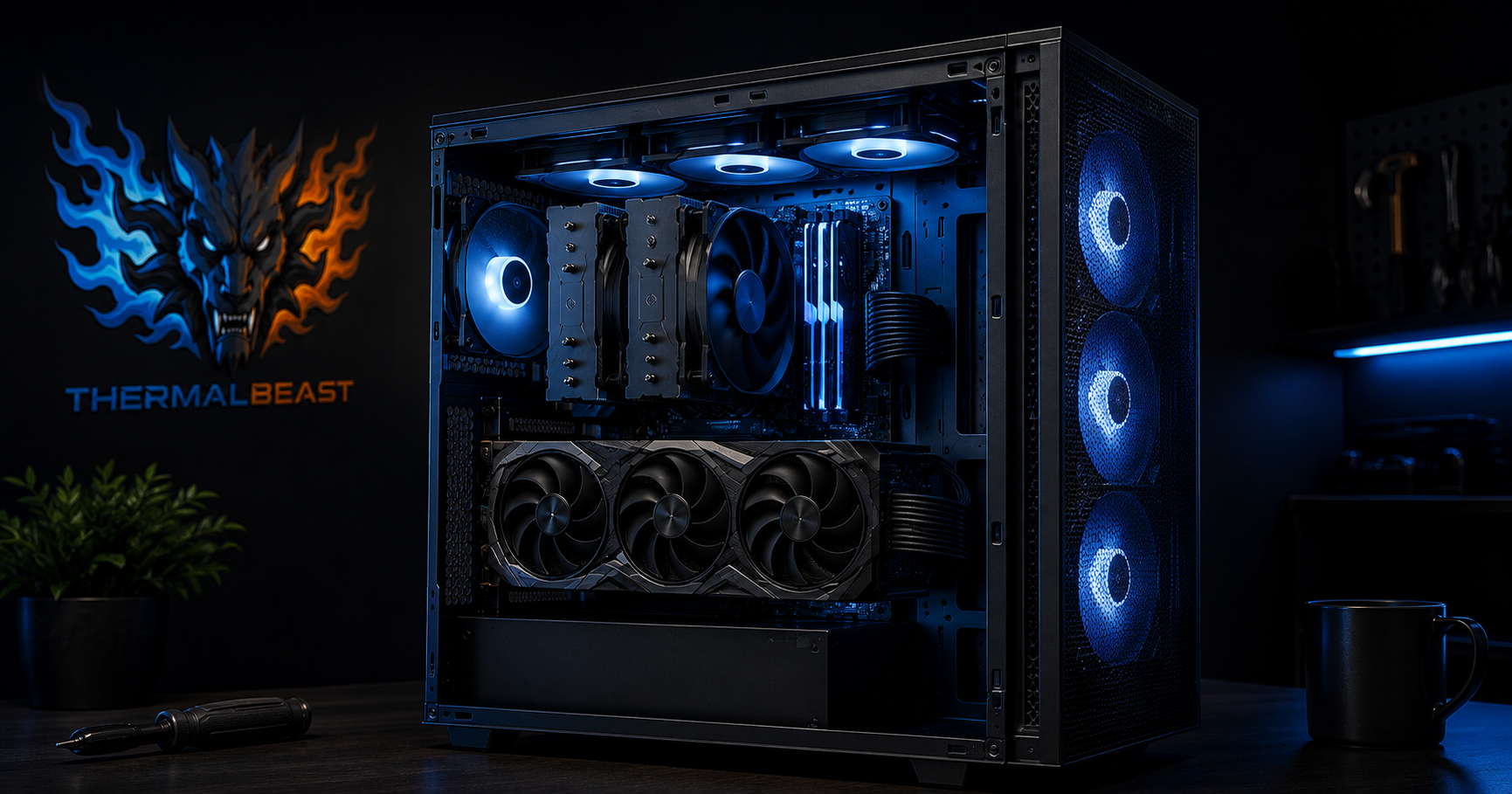
The RTX 5090 draws 575 watts and that changes everything about cooling and powering your build. You need a 1000W ATX 3.1 PSU, a high-airflow case, multiple fans, and attention to room temperature. From someone who ran 55 cards at similar combined wattage.
GPU Undervolting Guide — Run Cooler and Quieter for Free
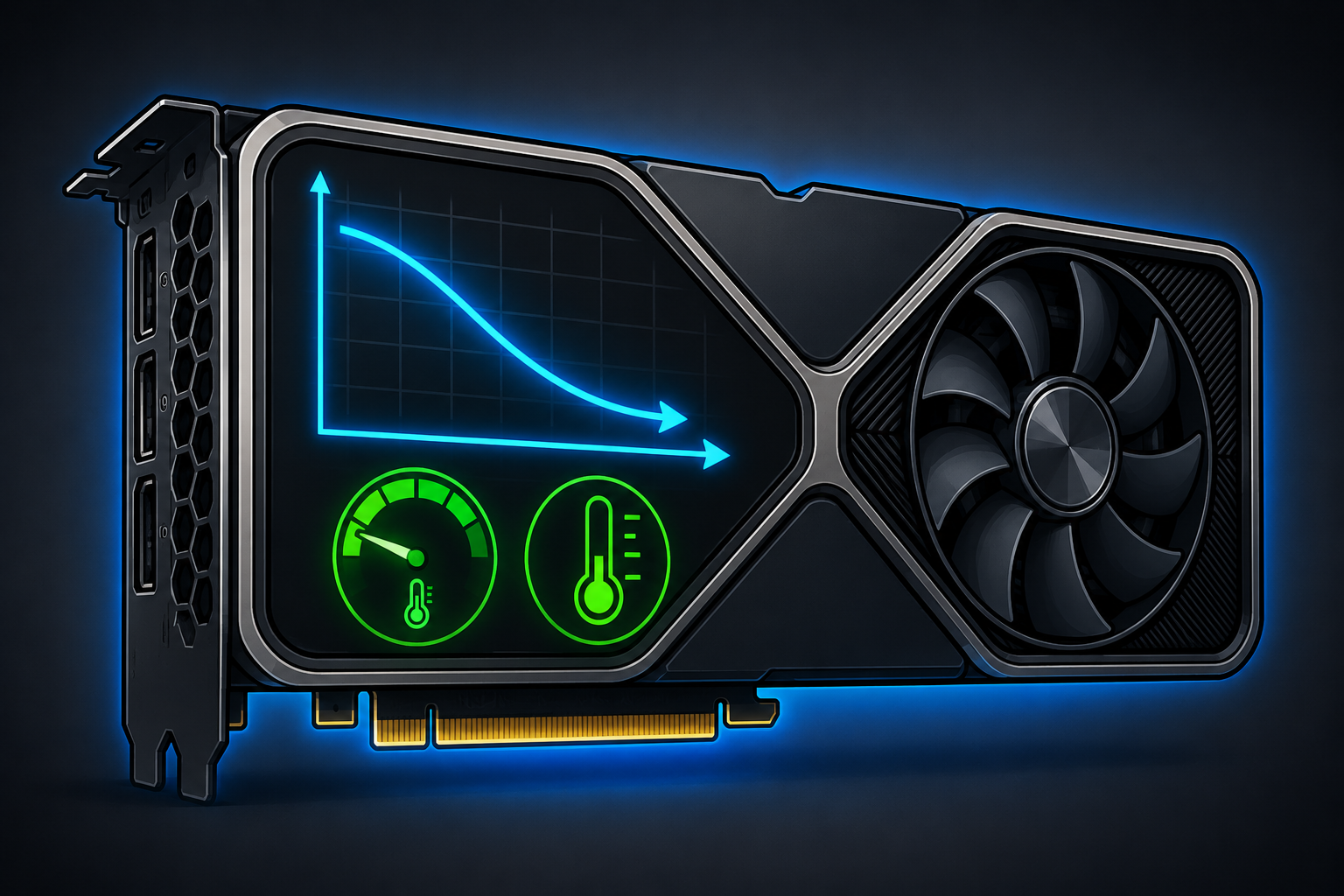
GPU undervolting costs nothing, takes 30 minutes, and drops GPU temperatures by 10 to 20 degrees while making your card quieter and extending its lifespan. Your GPU ships at a conservative voltage to guarantee stability across all manufacturing tolerances. Undervolting finds the lowest voltage at which your specific card can stably run at its target clock speed. Less voltage means less power, which means less heat — at the same performance level. Pair undervolting with fresh Thermal Grizzly Kryonaut for drops of 20 degrees or more. Read the full guide.
GPU Temperature Guide — What is Normal and When to Be Concerned
Normal GPU temperatures under gaming load are 65 to 83 degrees Celsius for most modern cards. The RTX 4060 Ti 16GB runs particularly cool at around 68 degrees. The RX 9070 XT runs warmer at 80 to 85 degrees due to its 304W TDP. Above 90 degrees consistently indicates poor case airflow, dust buildup, or degraded thermal paste. Fix the airflow with a better case and re-paste with Kryonaut. Read the full guide.
How to Overclock Your GPU Safely — Step by Step Guide
GPU overclocking using MSI Afterburner is free and can deliver 5 to 10 percent additional performance from your existing card. The process involves raising the power limit, increasing core clock offset in increments of 25MHz, and stability testing after each step. Pair overclocking with good case airflow and quality thermal paste for sustainable results. Never exceed 90 degrees Celsius under overclock testing. Read the full overclocking guide.