
ℹ Affiliate disclosure: This page contains Amazon affiliate links. As an Amazon Associate ThermalBeast earns from qualifying purchases at no extra cost to you.
If your gaming PC turns your room into a sauna, you are not imagining it. A gaming PC under load dumps 400 to 700 watts of heat into the air around you. In a small apartment with no central air conditioning, that heat has nowhere to go. I learned this the hard way running 55 graphics cards in a single bedroom in South Florida, and the solution that finally worked scales down perfectly to a single gaming PC.
Why Your Room Gets So Hot
Every watt of power your PC draws becomes heat. A build with a RTX 4070 Super and a mid-range CPU draws around 400 watts under gaming load. A high-end build with a RTX 5090 can exceed 700 watts. That is the equivalent of running a small space heater in your room the entire time you game.
In a room with central air conditioning, the AC removes that heat continuously. In an apartment without central air, or in a room where the AC vents are weak, the heat simply accumulates. The room gets hotter, which makes your PC run hotter, which makes your fans spin faster and louder, which still does not remove the heat from the room.
Why Fans Alone Do Not Work
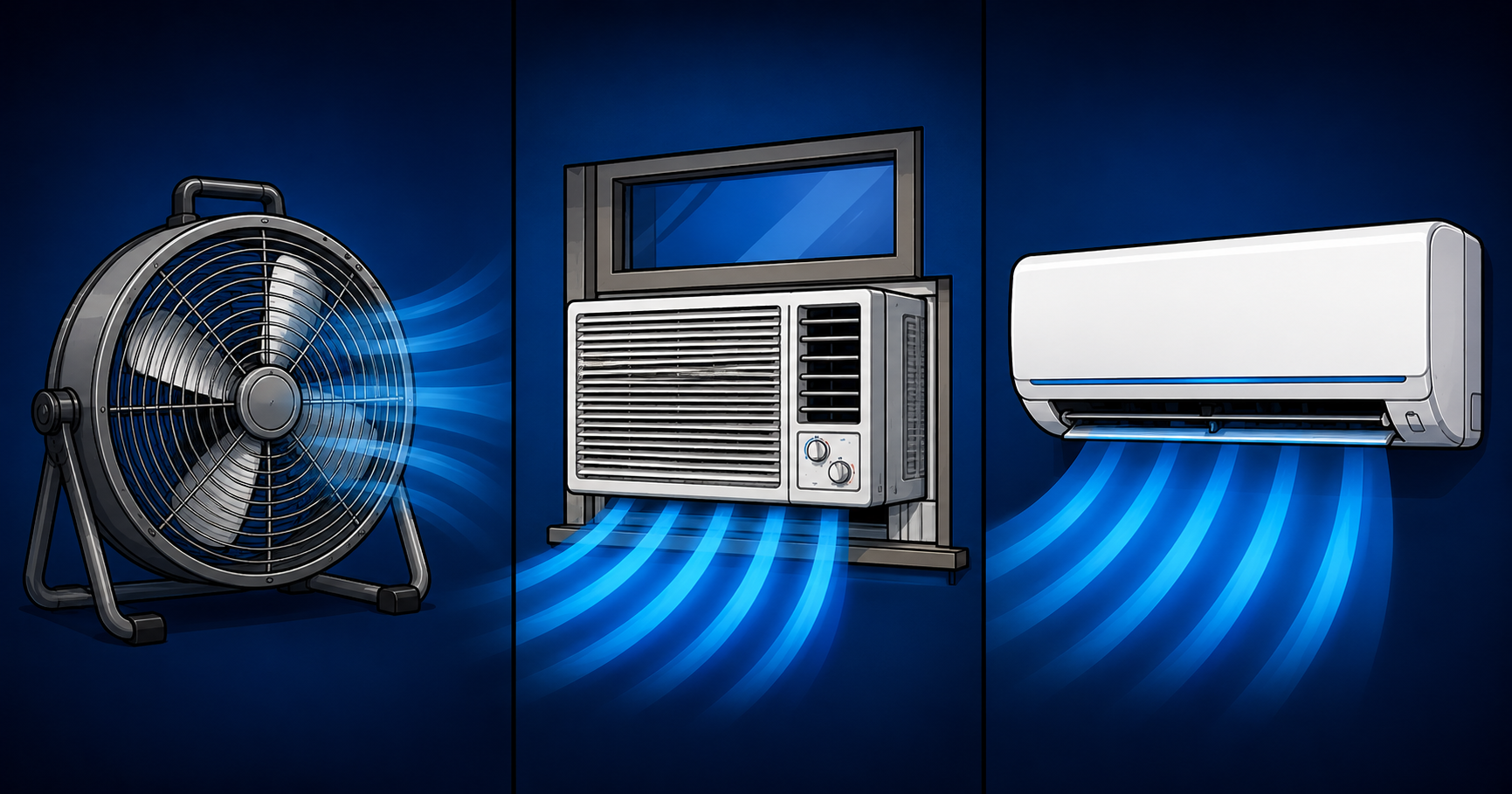
This is the single most important thing to understand. Fans move air. They do not remove heat from a room. Adding a floor fan blowing on yourself makes you feel cooler because moving air helps your skin evaporate sweat. But it does nothing to lower the actual temperature of the room. The heat your PC produces is still trapped inside.
When I first tried to cool my 55 GPU room with high-volume fans, ambient temperatures still climbed past 95 degrees. The fans were just circulating hot air faster. The room stayed hot. The only way to actually cool a room is to either remove the hot air and replace it with cooler air, or to run an air conditioner that extracts heat and dumps it outside.
Solution 1 — A Window Exhaust Fan (Cheapest Fix)
The cheapest effective solution is a window exhaust fan. Mounted in a window and set to blow outward, it pulls the hot air your PC produces out of the room and pushes it outside. Cooler air gets drawn in from the rest of your home through the door and gaps.
This works best when the air elsewhere in your home is cooler than your PC room, which is usually the case. It will not make your room cold, but it stops heat from accumulating. For a single gaming PC in a small to medium room, a window exhaust fan often drops ambient temperatures by 5 to 10 degrees. At around $40, it is the best value cooling fix available.
Solution 2 — A Portable Air Conditioner (Middle Ground)
If exhausting hot air is not enough because the rest of your home is also warm, a portable air conditioner actively removes heat and vents it outside through a window hose. A 10,000 BTU unit handles most bedroom-sized spaces with a gaming PC.
The downside of portable AC units is that they cycle on and off, which means your room temperature and your GPU temperatures rise and fall with each cycle. They are also less efficient than a proper mini split. But they require no installation beyond the window vent kit that comes in the box, and they are a solid middle-ground solution for renters who cannot modify their space.
Solution 3 — A Ductless Mini Split (The Real Fix)
The solution that finally cooled my 55 GPU room was a ductless mini split air conditioner. A mini split runs continuously rather than cycling, which keeps both room temperature and component temperatures stable. For a single gaming room a 12,000 BTU unit is more than enough. My room needed an 18,000 BTU unit only because of the extreme heat load from 55 cards.
The catch is installation. A mini split requires mounting an indoor unit on the wall and an outdoor compressor unit outside, connected by refrigerant lines. Many units are sold as DIY-installable with pre-charged lines, but you may need a professional depending on your situation and your lease. If you own your home or have a long-term rental and a hot PC room is a permanent problem, a mini split is the best solution that exists.
The Complete Thermal Loop
The setup that worked best in my room combined two of these. Cold air entered at the level of the equipment from the mini split, and a window exhaust fan pulled the rising hot air out at the top of the room. Cold air in at the bottom, hot air out at the top. That complete loop is what finally stabilized my temperatures, and the same principle works for a single gaming PC.
Do Not Forget the PC Itself
Cooling the room helps, but a PC that runs hot internally will heat the room faster. Before blaming your room, make sure your PC is cooling efficiently. A high-airflow case moves heat out of the PC more efficiently. Fresh thermal paste keeps your components running cooler. And undervolting your GPU reduces the heat it produces in the first place. See our GPU undervolting guide to cut your heat output for free.
The Bottom Line
Fans make you feel cooler but do not cool a room. To actually lower the temperature of a hot gaming room you need to remove the heat. Start with a window exhaust fan at around $40. If that is not enough, add a portable AC. If a hot PC room is a permanent problem and you can install one, a mini split is the real fix. I cooled a room with 55 graphics cards using these exact tools. Cooling a room with one gaming PC is far easier.
Prices are approximate and change frequently. Check current Amazon pricing before purchasing.