
ℹ Affiliate disclosure: This page contains Amazon affiliate links. As an Amazon Associate ThermalBeast earns from qualifying purchases at no extra cost to you.
The RTX 5090 draws up to 575 watts. That is more than double what a mid-range card pulls and it changes everything about how you need to cool and power your build. Having run 55 graphics cards that collectively drew similar wattage to a small data center, I can tell you that a 575 watt card is not something you drop into any case with any power supply. Here is exactly what it requires.
The Power Supply — Do Not Cut Corners
NVIDIA officially recommends a 1000 watt power supply for the RTX 5090. Do not go lower. The card produces massive transient power spikes that can briefly exceed its rated draw, and an undersized PSU will shut your system down or worse. A quality 1000 watt unit like a high-wattage Corsair RM1000e gives you the headroom to handle those spikes safely.
The PSU must also be ATX 3.1 compliant with a native 12V-2×6 connector. Older power supplies that require adapters for the power connector introduce a failure point that you do not want on a 575 watt card. Buy a modern unit rated for the load. The PSU is the one component where cutting corners can destroy everything else connected to it.
The Case — Airflow Is Not Optional
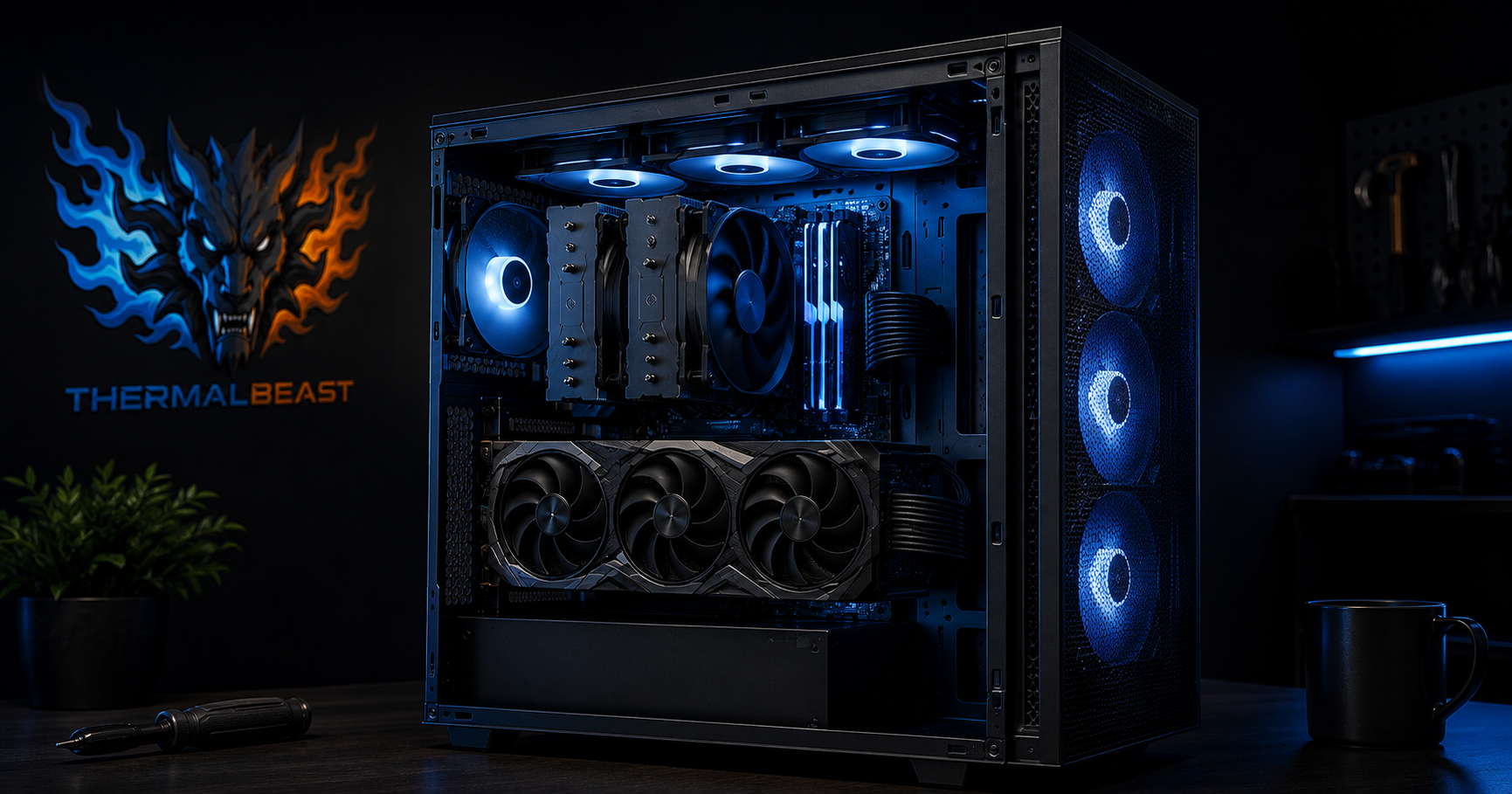
A 575 watt card produces an enormous amount of heat inside your case, and that heat needs a clear path out. A Fractal Design Torrent is the case I recommend for high-TDP builds because its massive front intake fans move enormous volumes of air directly across the components. A restrictive case with a glass front panel will trap heat and cause your RTX 5090 to throttle.
The rule with a 575 watt card is simple. The more air you move through the case, the better. A full mesh front panel, large intake fans, and clear exhaust paths are mandatory, not optional. If you are spending RTX 5090 money on a GPU, do not pair it with a case that suffocates it.
Case Fans — Add More Than You Think
Beyond the case’s included fans, adding high static pressure intake fans helps push cool air across the GPU. A set of Arctic P12 case fans is an inexpensive way to maximize airflow. For a 575 watt card I would run at least three intake fans and two exhaust fans. The goal is to never let hot air accumulate inside the case.
The Room — The Part Everyone Forgets
Here is what most guides miss entirely. A 575 watt card dumps 575 watts of heat into your room. In a small room without good air conditioning, that heat accumulates and raises the ambient temperature, which raises your GPU temperatures regardless of how good your case airflow is. Your cooling can only ever be as good as the temperature of the air entering your case.
If you are running an RTX 5090 in a small or warm room, you may need to address room cooling directly with a mini split or at minimum a window exhaust fan to remove the heat. I learned this running 55 cards. The room matters as much as the case. See our hot room cooling guide for the full breakdown.
Undervolting — Free Heat Reduction
The RTX 5090 like every modern GPU ships over-volted from the factory. Undervolting it can reduce power draw by 50 to 80 watts with little to no performance loss, which directly reduces the heat it produces. On a 575 watt card that is a meaningful reduction. See our GPU undervolting guide for the step-by-step process.
The Complete RTX 5090 Cooling Checklist
To run a 575 watt RTX 5090 properly you need a 1000 watt or higher ATX 3.1 power supply, a high-airflow case like the Fractal Torrent, multiple intake and exhaust fans, attention to your room temperature, and an undervolt to reduce heat at the source. Skip any of these and you will see thermal throttling that robs you of the performance you paid for.
Prices are approximate and change frequently. Check current Amazon pricing before purchasing.