Best Gaming RAM in 2026 — Speed, Capacity, and Platform Guide
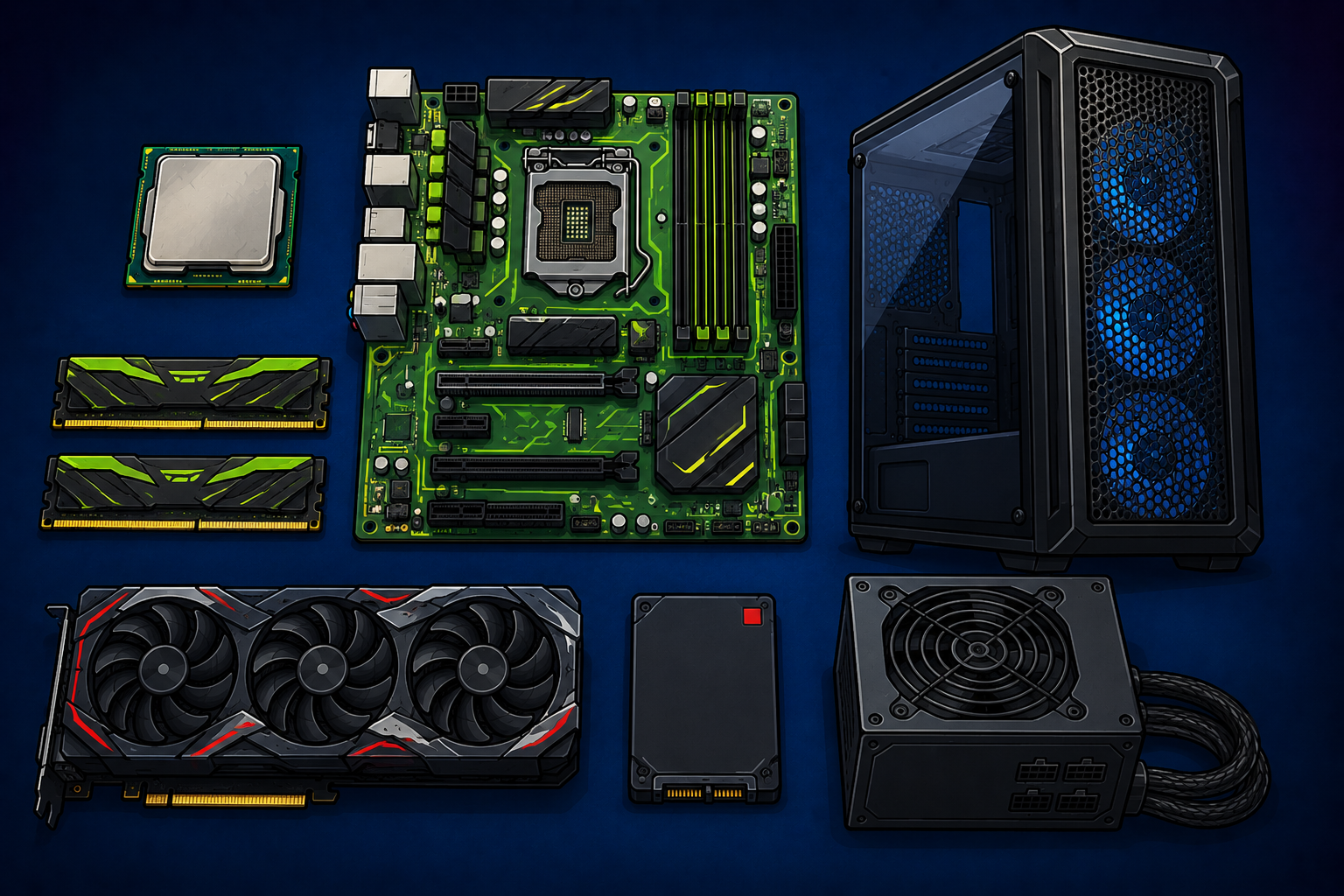
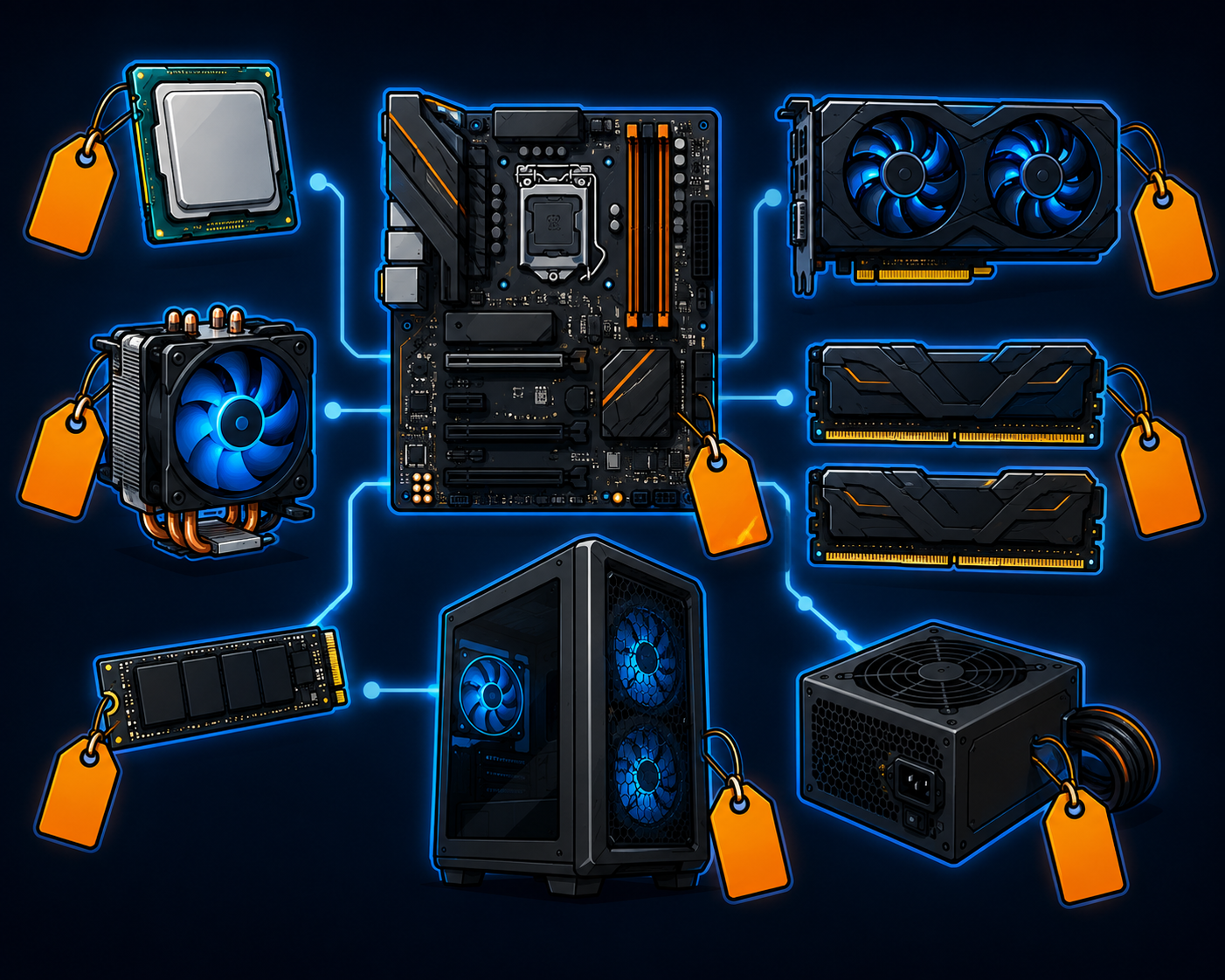
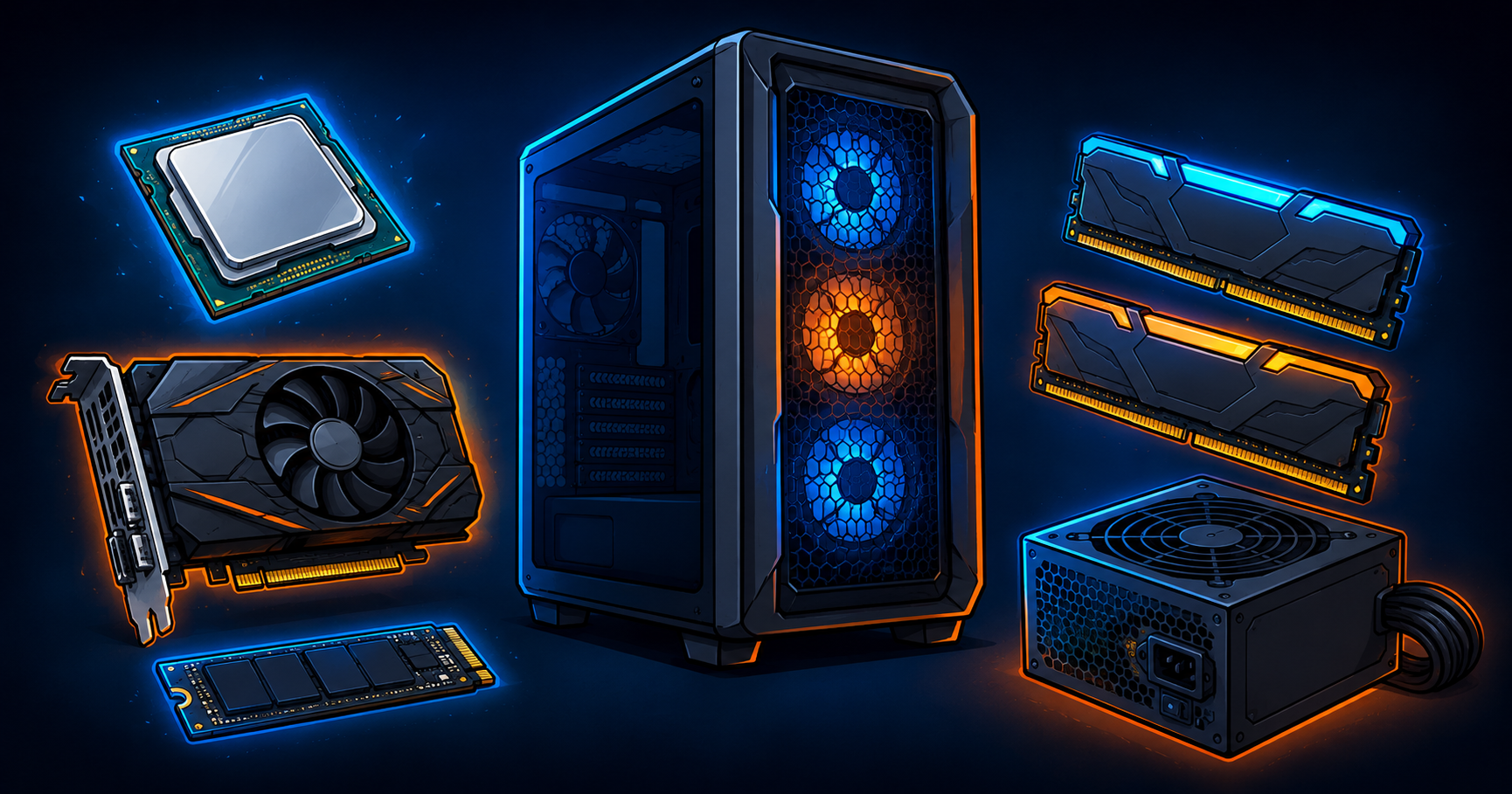
Cartoon flat-lay illustration of gaming PC components including a CPU, motherboard, RAM sticks, SSD, graphics card, power supply, and mesh tower case on a dark blue background.

For AM5 builds in 2026 the answer is 32GB of DDR5-6000 CL30 — that specific combination is the documented sweet spot for AMD Ryzen performance. Enable XMP or EXPO in BIOS after first boot or your RAM will run at default speeds. For AM4 builds the Corsair Vengeance DDR4 3200 remains solid. 16GB is increasingly tight at 1440p maximum settings in 2026. See the full RAM guide.
Best Picks

Best Picks Every product recommended here has been selected based on one question — would I buy this myself? After years of professional workstation use as a graphic designer, running 55 GPUs through a mining operation, and developing systematic troubleshooting instincts from electrical work on mega yachts, I have a high bar for what earns … Read more

$500 Budget Gaming PC Build 2026

Affordable $500 gaming PC build components including CPU, GPU, RAM, SSD, power supply, and mesh-front case

$500 Budget Gaming PC Build 2026 Strong 1080p Gaming Without Wasting a Single Dollar As an Amazon Associate I earn from qualifying purchases. Product links below are affiliate links. Five hundred dollars forces every component decision to earn its place. This build delivers genuine 1080p gaming performance at maximum or near-maximum settings in most current … Read more

How Many Case Fans Do You Actually Need? A Clear Guide by Build Type

Affordable $500 gaming PC build components including CPU, GPU, RAM, SSD, power supply, and mesh-front case

How many case fans do you actually need? Most mid-tower gaming PCs need at least three: two intake at the front, one exhaust at the rear. Add more as your components produce more heat. A 5-pack of quality fans covers it with room to grow at a better price than buying individually. Clear breakdown by build type inside.

$2000 PC Gaming Setup Guide — Desk, Monitor, and Complete Workspace

A complete gaming setup starts with a monitor matched to your GPU. The LG 27GP850 at 1440p 165Hz pairs well with a RTX 4070 Super or RX 9070. Upgrading to the LG OLED 1440p 240Hz makes sense with a flagship GPU. Your input devices matter more than most builders realize — the Logitech G Pro X Superlight 2 and Keychron Q1 Pro keyboard are the recommendations that do not need replacing. Read the full setup guide.

Arctic MX-7 vs Thermal Grizzly Kryonaut — Which Thermal Paste to Buy in 2026

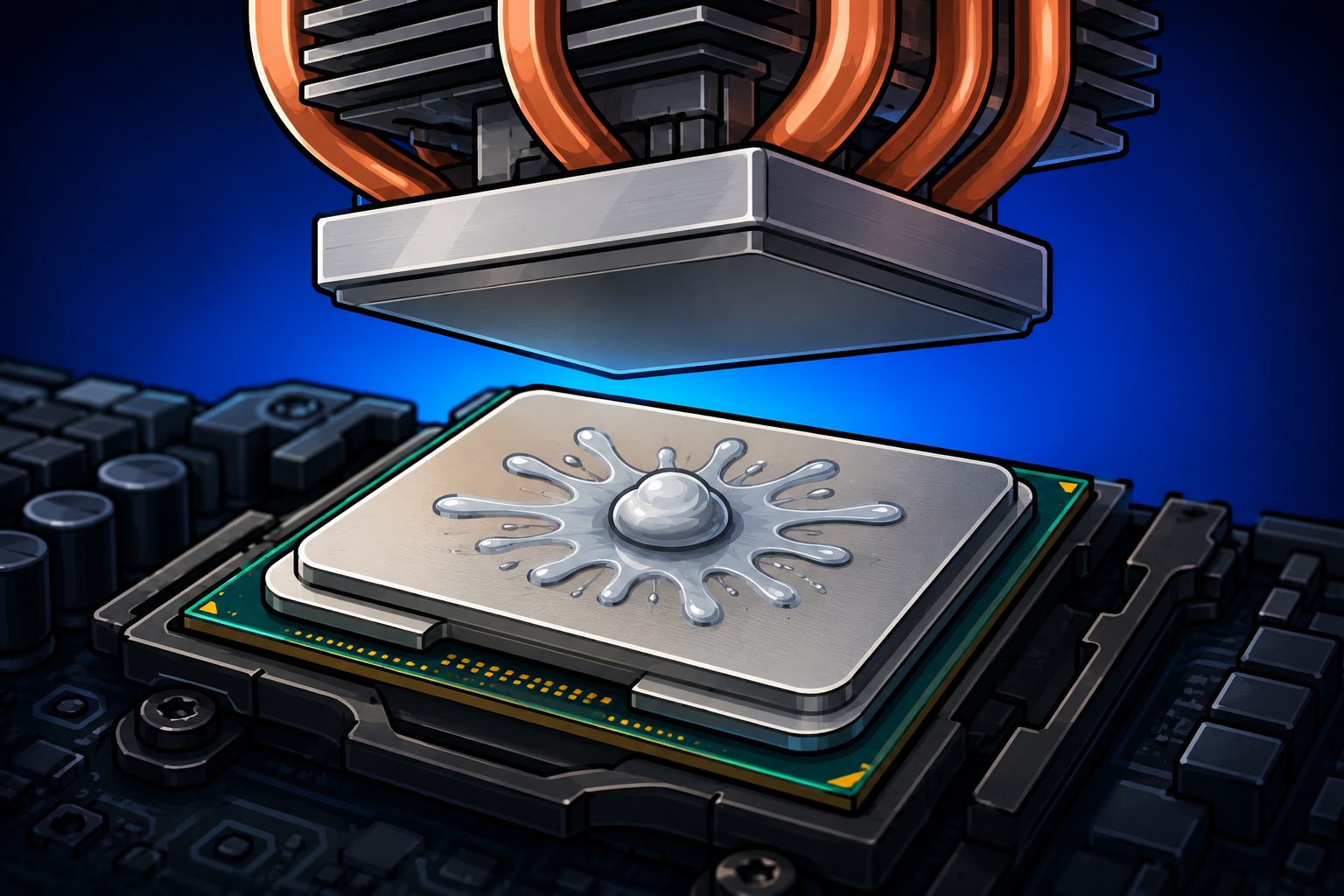
Arctic just released the MX-7 and it is one of the highest-performing pastes you can buy. Versus the longtime favorite Kryonaut the real difference is 1 to 3 degrees. The MX-7 is the better value and easier to apply. Kryonaut keeps a slight edge under extreme overclocking. Honest comparison inside.

Best Airflow PC Cases in 2026 — Tested for Real Thermal Performance

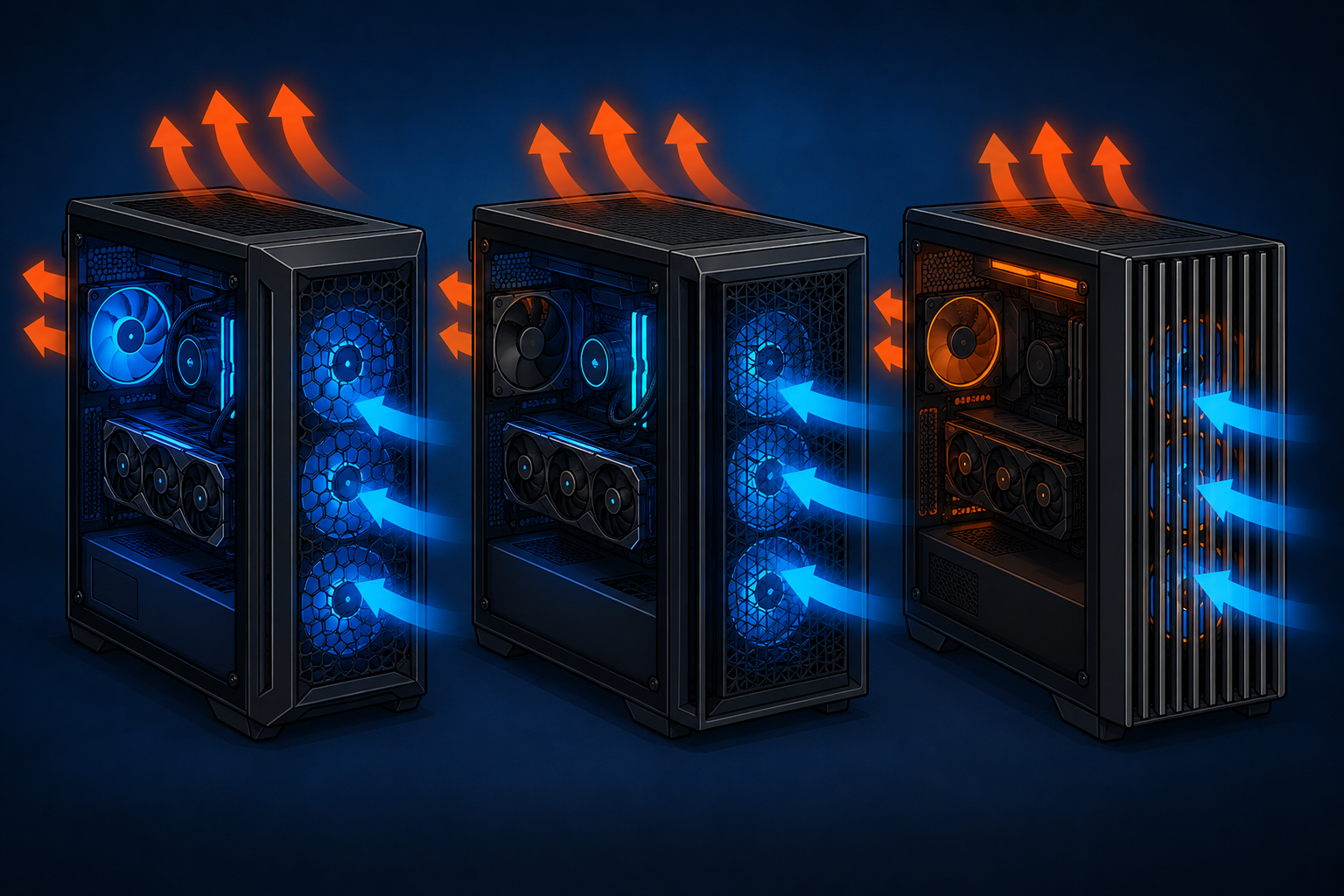
Cartoon illustration of three gaming PC tower cases with mesh front panels, blue intake airflow arrows, orange exhaust airflow arrows, and glowing internal components.

Your PC case is a thermal management system. The wrong one actively works against every cooler you have bought. The Fractal Design Torrent posts the lowest GPU temperatures of any mid-tower case available. The Fractal Design Focus 2 is the best budget airflow case at around $85. The Lian Li Lancool 216 sits between them with 160mm front fans included. See the full case comparison.

RTX 5090 Cooling Requirements — Case, PSU, and Room Temperature

The RTX 5090 draws 575 watts and that changes everything about cooling and powering your build. You need a 1000W ATX 3.1 PSU, a high-airflow case, multiple fans, and attention to room temperature. From someone who ran 55 cards at similar combined wattage.